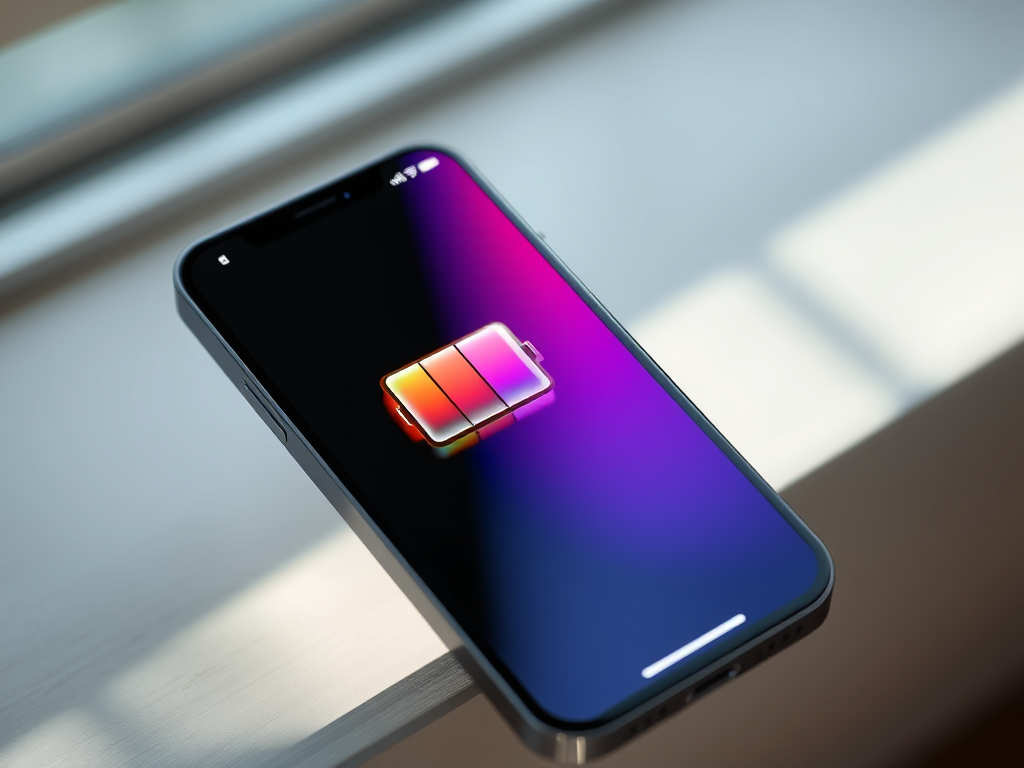
Ah, the eternal quest. The holy grail of smartphone ownership. What is the one thing almost every iPhone user craves above all else? New camera features? A redesigned notch? Nope. It’s almost universally more battery life. Apple continues to pack iPhones with astonishing power and capabilities, but for many, the daily scramble for a charger remains a persistent reality. While we might still dream of an iPhone that lasts days between charges, Apple is making a significant stride with iOS 26, introducing a clever new feature designed to eke out every last drop of juice: Adaptive Power.
This isn’t just another Low Power Mode clone. Adaptive Power leverages the on-device AI capabilities of your iPhone to intelligently anticipate your needs and proactively manage power consumption. In an era where AI is often synonymous with hyper-realistic deepfakes or algorithmically generated content, seeing it applied to a truly practical, user-benefitting feature like battery optimization is, frankly, refreshing. It’s exactly the kind of smart, unobtrusive AI we at StridingTech get excited about.
At its core, Adaptive Power is Apple’s answer to the unpredictable demands we place on our iPhones. Instead of a one-size-fits-all approach, this feature uses on-device AI to analyze your personal iPhone usage patterns. Think of it as your iPhone learning your schedule: when you typically use it heavily, when it sits idle, and when you’re likely to be away from a charger. Based on this sophisticated analysis, Adaptive Power makes an educated guess about when you’ll need that extra bit of battery life the most.
This isn’t a passive system. When Adaptive Power determines it’s time to engage – perhaps because it predicts a long afternoon away from an outlet – it takes proactive steps to conserve energy. This intelligent, predictive management is what truly sets it apart from traditional battery-saving methods.
The Mechanics Behind the Magic: How It Works
When Adaptive Power decides it’s time to kick in, it employs a multi-pronged strategy to extend your iPhone’s endurance. These adjustments are designed to be subtle yet effective, ensuring you get more battery life without a drastically altered user experience. Here’s what happens:
- Adjusted Performance Levels: Adaptive Power can slightly dial back your iPhone’s performance for certain tasks. While this might mean some operations take a fraction of a second longer than usual, the trade-off is a measurable saving in battery consumption. For everyday browsing, messaging, or email, you’re unlikely to notice. For graphically intensive gaming or video editing, it might be more apparent, but those are also scenarios where battery life is already under heavy strain.
- Subtle Screen Brightness Reduction: Your screen is one of the biggest power drains. Adaptive Power makes a modest 3% reduction in screen brightness. This is a nearly imperceptible change for most users, yet it contributes significantly to power savings over time.
- Limited Background Activity: Apps constantly run processes in the background, consuming power even when you’re not actively using them. Adaptive Power intelligently limits this background activity, reducing unnecessary power drain without hindering essential notifications or updates.
- Automatic Low Power Mode Engagement: Perhaps one of the most welcome additions is Adaptive Power’s ability to automatically activate Low Power Mode when your iPhone’s battery level hits 20% – without asking you first. This removes the need for manual intervention and ensures you get maximum endurance during critical low-power situations.
Adaptive Power vs. Low Power Mode: A Crucial Distinction
One area where Apple could provide more clarity is the precise distinction between Adaptive Power and the well-known Low Power Mode. From what we understand, the key difference lies in their approach and activation. Low Power Mode is primarily a reactive and manual (or threshold-based) feature. You either turn it on yourself, or it prompts you to activate it at 20% and 10% battery.
Adaptive Power, on the other hand, is proactive and predictive. It’s constantly learning and adjusting in the background, making minor tweaks throughout your day based on anticipated needs. Its automatic engagement of Low Power Mode at 20% is just one component of its broader strategy, acting as a crucial safety net when the battery is truly low. The “on-device AI” is the fundamental differentiator here, allowing for dynamic, learned optimizations rather than static, rule-based ones.
The Promise and Practicality of Smart AI for Battery Life
The introduction of Adaptive Power in iOS 26 is a significant win for everyday iPhone users. It represents a commitment from Apple to leverage advanced technology not for flashy, often niche features, but for solving a fundamental, universal pain point. For most of us, an iPhone that can consistently last a bit longer through a busy workday or a long evening out is far more valuable than marginal improvements to some obscure app.
This is precisely how AI should be implemented: subtly, intelligently, and in service of a better user experience. It’s not about generating “musical slop” or “hyper-realistic videos” that often feel more gimmicky than genuinely useful. It’s about empowering your device to work smarter for you, understanding your habits, and managing its resources more efficiently. While we’re still some ways off from multi-day battery life on modern, powerful smartphones, Adaptive Power is a tangible step in the right direction, offering noticeable improvements without requiring users to constantly monitor settings or manually engage power-saving modes.
How to Enable Adaptive Power in iOS 26
While Apple often rolls out new features with detailed instructions, based on how similar intelligent features like Optimized Battery Charging are implemented, you can expect to find Adaptive Power settings within the Battery section of your iPhone’s Settings app once iOS 26 is released. Keep an eye out for a toggle or an explanatory section there. It’s designed to be a “set it and forget it” feature, working quietly in the background, but you’ll likely have the option to enable or disable it.
For those eager to maximize their iPhone’s endurance, enabling Adaptive Power will be one of the first things to do after upgrading to iOS 26. It’s a smart, modern approach to an age-old problem, demonstrating Apple’s capacity for practical innovation.
In conclusion, Adaptive Power isn’t just another bullet point on an iOS feature list; it’s a testament to the power of thoughtful AI integration. By learning from you, your iPhone will soon be able to manage its own power more effectively, giving you back those precious extra hours of usage you’ve always wanted. Get ready to experience a more enduring iPhone when iOS 26 lands!