Cybersecurity is everyone’s responsibility in our digital world. To protect yourself online, start with strong, unique passwords for every account. These should be at least 12 characters long, mixing uppercase and lowercase letters, numbers, and symbols. Avoid using dictionary words, personal information, or common patterns.
Why is this so important? Hackers use automated tools to crack passwords, and weak passwords can be figured out in seconds. Unique passwords ensure that if one of your accounts is compromised, your other accounts remain safe.
Consider using a password manager like LastPass, 1Password, or Bitwarden. What do these do? They securely store all your complex passwords, so you don’t have to remember them all, and they can even generate strong passwords for you.
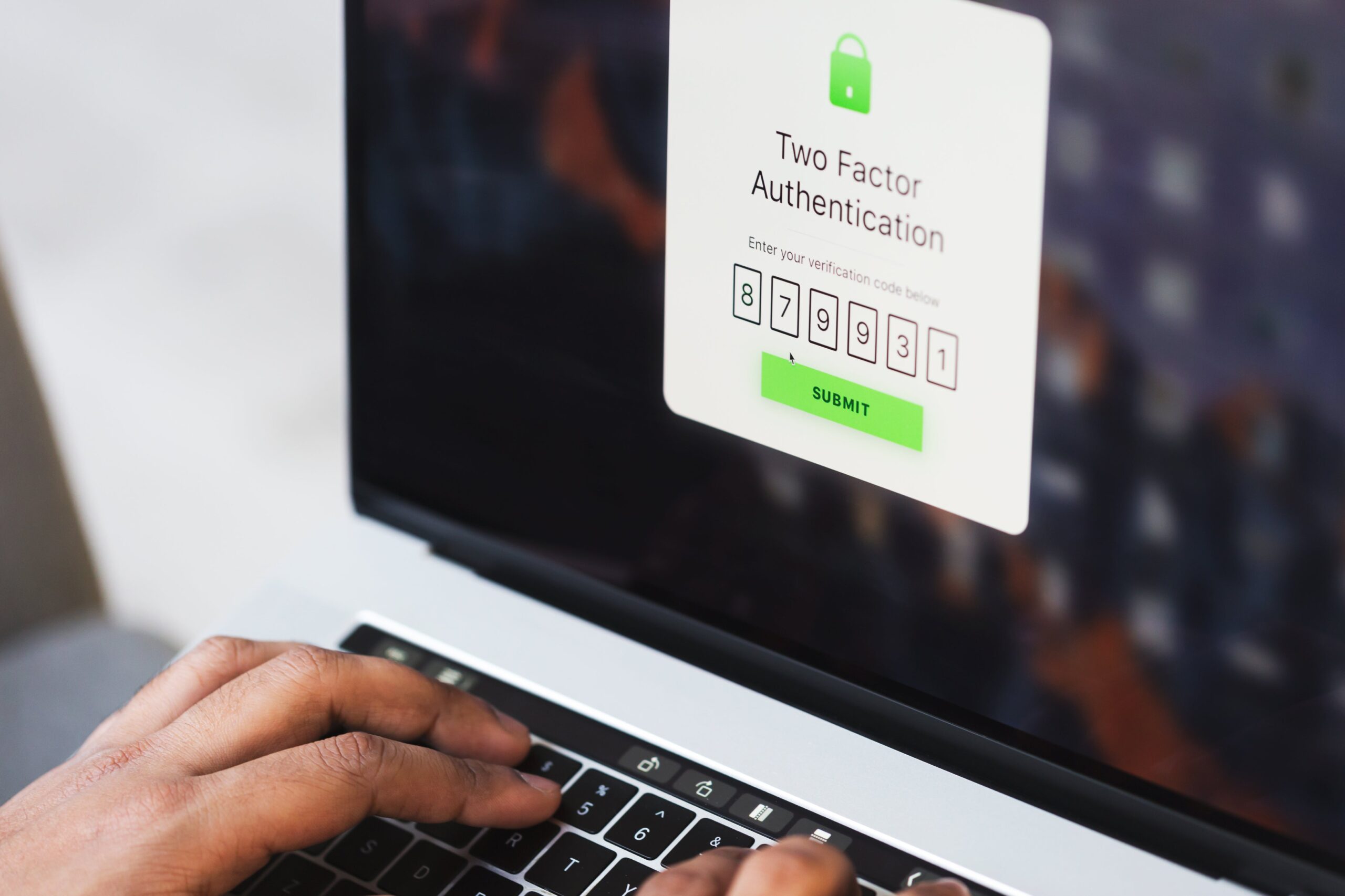
Next, enable two-factor authentication (2FA) wherever possible. How does this help? It adds an extra layer of security by requiring a second form of verification in addition to your password. This usually involves a code generated by an app on your phone (such as Google Authenticator or Authy), a code sent via SMS, or a physical security key. Even if someone steals your password, they won’t be able to access your account without that second factor.
Here’s how 2FA works:
- You enter your username and password.
- The website or app requests a second form of verification.
- You provide the code from your authenticator app, SMS, or security key.
- Once both factors are verified, you’re granted access.
Finally, be vigilant about phishing scams. These deceptive attempts to steal your personal information often arrive via email, but can also appear in text messages, social media, or phone calls.
Here are some red flags to watch out for in phishing emails:
- Incorrectly typed email addresses: Look closely at the sender’s address. Phishers often use addresses that are similar to legitimate ones but with slight misspellings or variations. For example, instead of “[email address removed],” it might be “[email address removed]” or “[email address removed].”
- Suspicious links: Hover your mouse over any links in the email to see the actual destination address. If it doesn’t match the text of the link or looks suspicious, don’t click it!
- Generic greetings: Phishing emails often use generic greetings like “Dear Customer” instead of your name.
- Requests for personal information: Legitimate companies will never ask for sensitive information like your password or credit card details via email.
- Urgent or threatening language: Phishers often try to create a sense of urgency or fear to pressure you into acting quickly without thinking.
If something seems off, don’t click any links, open attachments, or reply. Report the suspicious activity to the company being impersonated and your email provider.
Beyond these basics, keep your software updated, use antivirus software, and be mindful of the information you share online. By taking these precautions, you significantly reduce your risk in the face of ever-evolving cyber threats.
Recent Tech Stories
- China’s Chang’e 7 Lunar Mission Delayed from Planned Launch Window
- TOFA: Reprogramming Cellular Metabolism for Adipose Reduction and Glucose Homeostasis
- ToxicPanda Android Malware Evolves: VPN Hijacking and Expanded Attack Surface
- Probing the Quantum Void: How Squeezed Light Outperforms Classical Photons in Revealing Vacuum Non-Linearity
- Microsoft Patches Maximum-Severity Entra ID Flaw Exploited In-The-Wild