
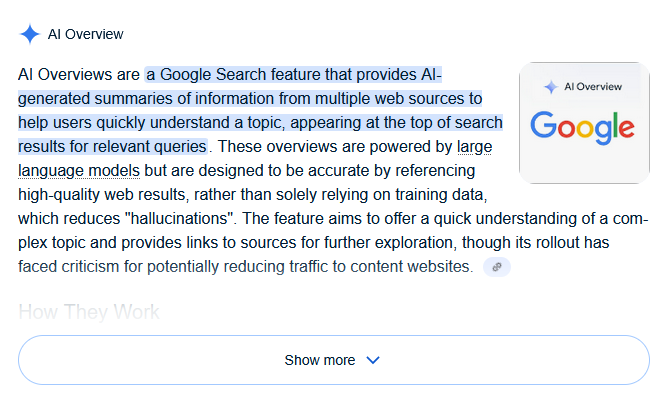
While the promise of AI-enhanced search is enticing – offering quick summaries and contextual answers – the reality hasn’t always matched the hype. Many users find these AI additions intrusive, distracting, or, even worse, prone to inaccuracies. We’ve all seen examples of AI generating confidently wrong information, and when it comes to search, that’s a problem that impacts how we find reliable data.
The core issue? Google, in its zeal to integrate AI, hasn’t provided users with a straightforward option to turn it off. For those who prefer a traditional search experience, or simply want to avoid the potential pitfalls of AI-generated content, this lack of control has been a significant point of frustration. But what if you could take back control and customize your Google Search experience?
Introducing “Bye Bye, Google AI”: Your Search Ally
Thankfully, a clever browser extension has emerged to give users exactly that power: “Bye Bye, Google AI.” This invaluable tool empowers you to disable Google’s AI features and even hide other content blocks that clutter your search results. It’s a game-changer for anyone looking to streamline their online information gathering.
The extension is designed for ease of use and broad compatibility. It works seamlessly with most Chromium-based desktop browsers, which means if you’re using Chrome, Brave, Edge, or Vivaldi, you’re in luck. Installation is quick and straightforward, and upon adding it to your browser, you’re immediately presented with clear options to customize your search interface.
What Can You Hide with “Bye Bye, Google AI”?
- AI Overviews: This is the big one. By default, the extension targets and removes the prominent AI-generated summaries that appear at the top of your search results for many queries. If you prefer to dig through organic results yourself, or simply distrust AI’s summarization capabilities, this option is a must-have.
- AI Mode: As Google expands its AI integrations, new features like “AI Mode” are popping up. This extension ensures you can disable these as well, preventing Google from forcing an AI-first approach on your searches.
- Other Content Blocks: Beyond AI, Google Search results pages are often filled with various content blocks that may not be relevant to everyone. “Bye Bye, Google AI” extends its utility to these too. For instance, if you never shop online, you can choose to remove shopping results. This level of customization allows you to truly tailor your search results to your specific needs and preferences, leading to a much cleaner and more efficient search experience.